Buying wallpaper packs is fun, but nothing beats the feeling of unlocking your phone and seeing something you made yourself. The good news is you don’t need to be an artist or own expensive software. With a free app and a few minutes, you can design a wallpaper that is completely, perfectly you.
Get the size right first
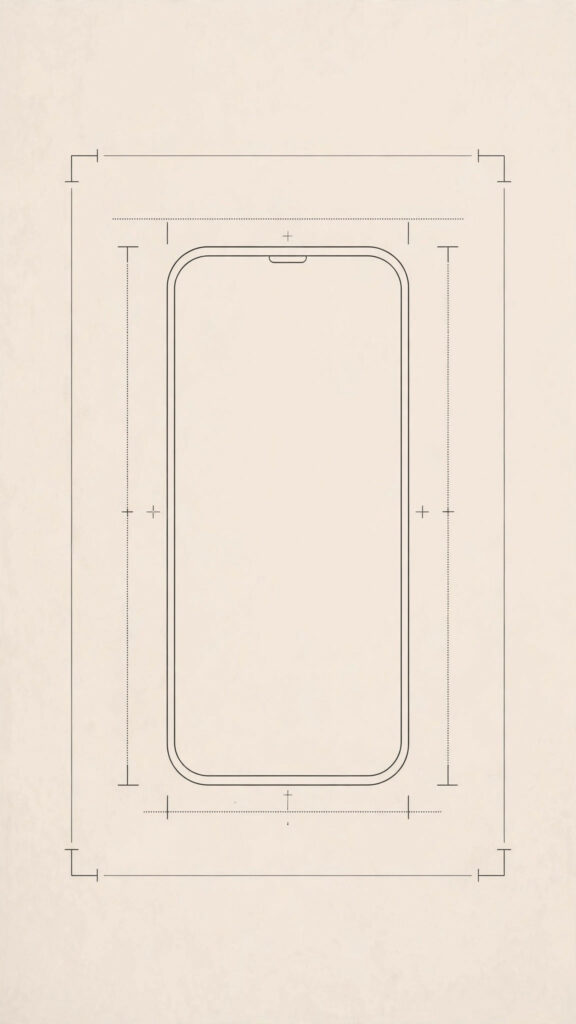
Before you start decorating, set your canvas to the right dimensions. Most phones use a 9:16 vertical ratio, so a canvas of 1080 x 1920 pixels works beautifully on almost every device. Starting at the correct size means nothing gets stretched or awkwardly cropped when you set it as your background. If your app lets you pick a template, look for “phone wallpaper” — it does the sizing for you.
Pick a free app and keep it simple
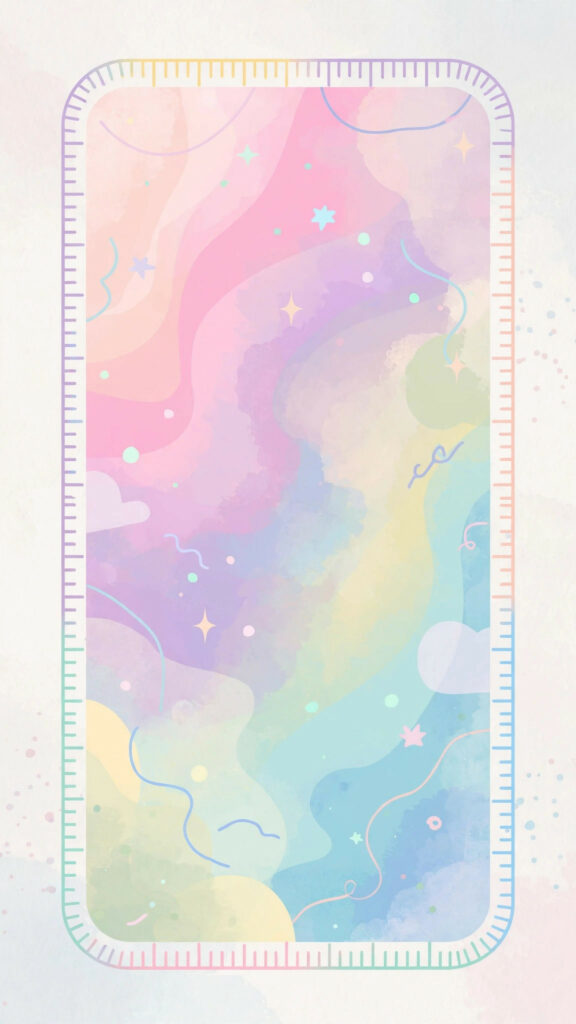
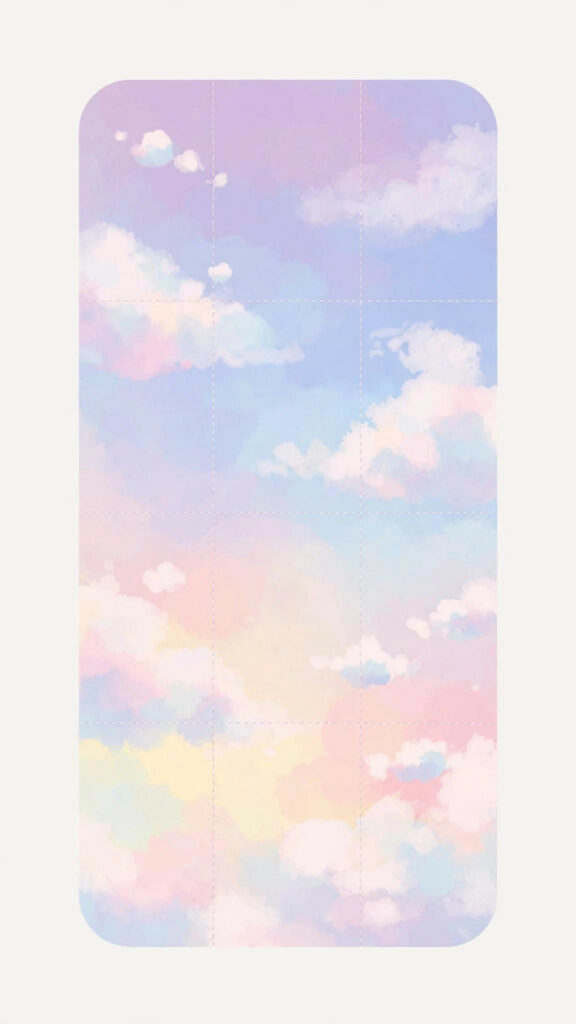
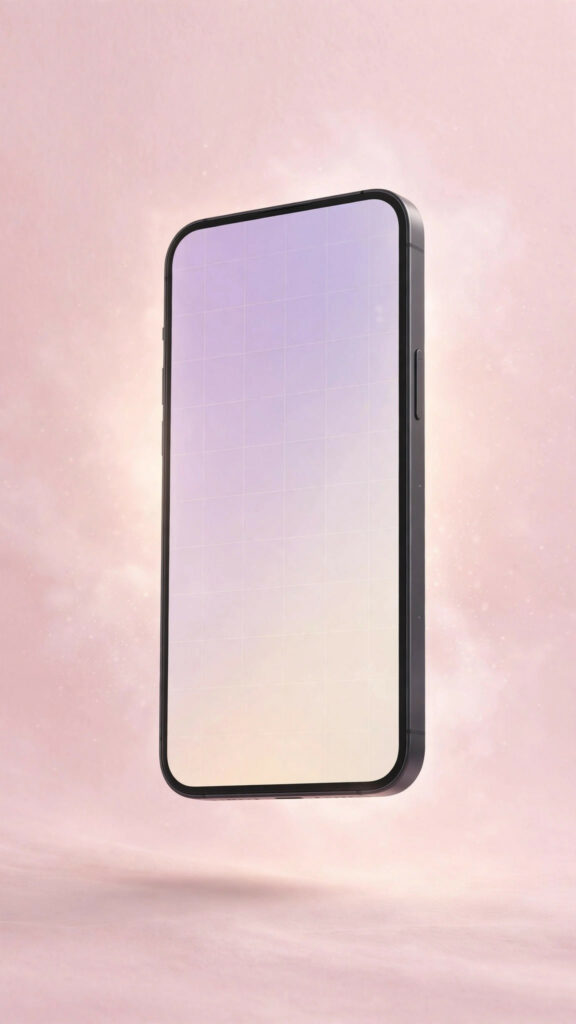
You don’t need Photoshop. Free apps like Canva, Picsart, and even your phone’s built-in photo editor are more than enough. Start with a background you love:

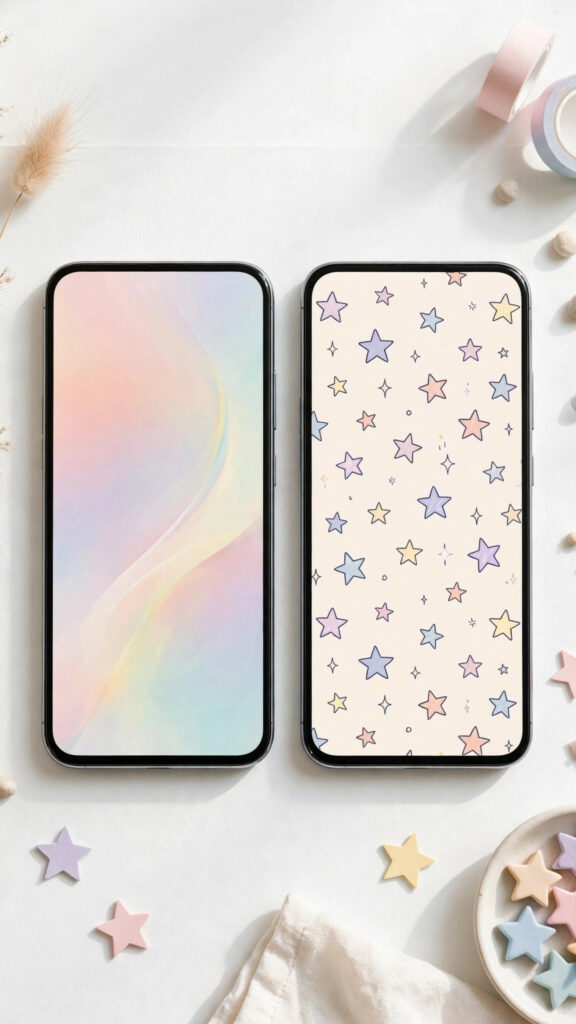
- A soft gradient or solid pastel color
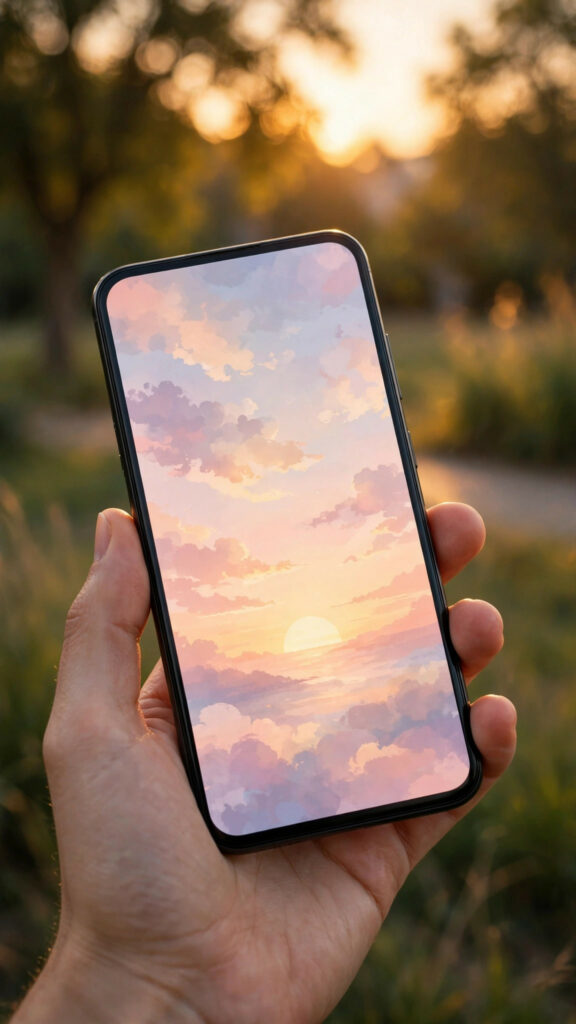
- A photo you took yourself — a sunset, your pet, your favorite coffee shop
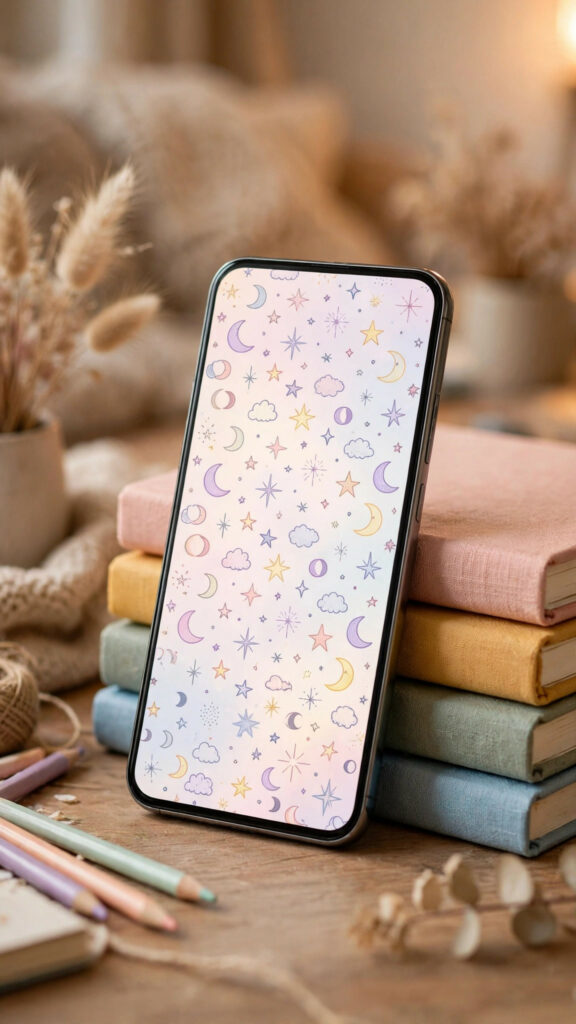
- A fun pattern like polka dots, stars, or checkerboard
Choose one background and resist the urge to add everything at once. Simple wallpapers look the most polished on a busy home screen.

Add stickers, doodles, and a little text
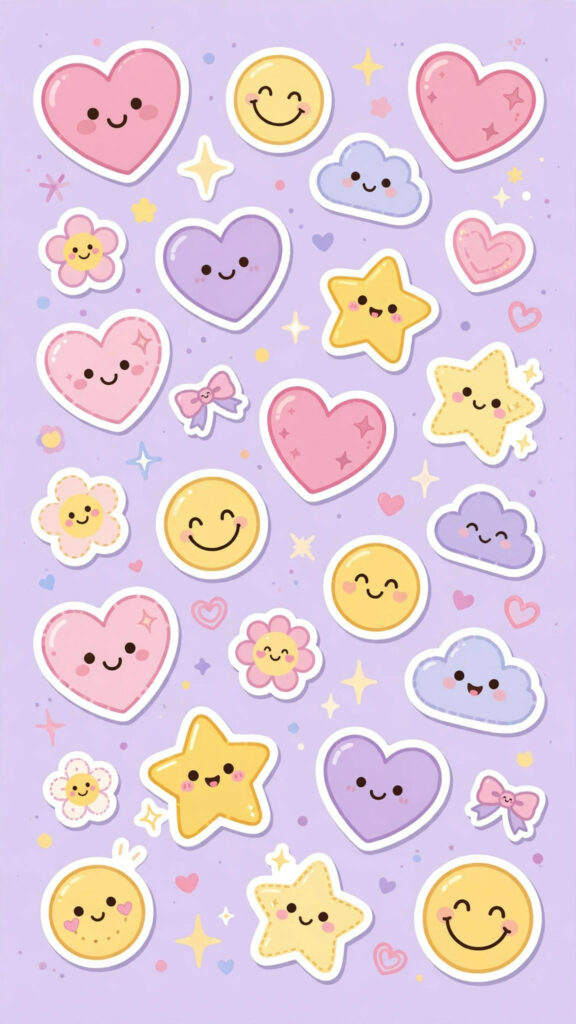
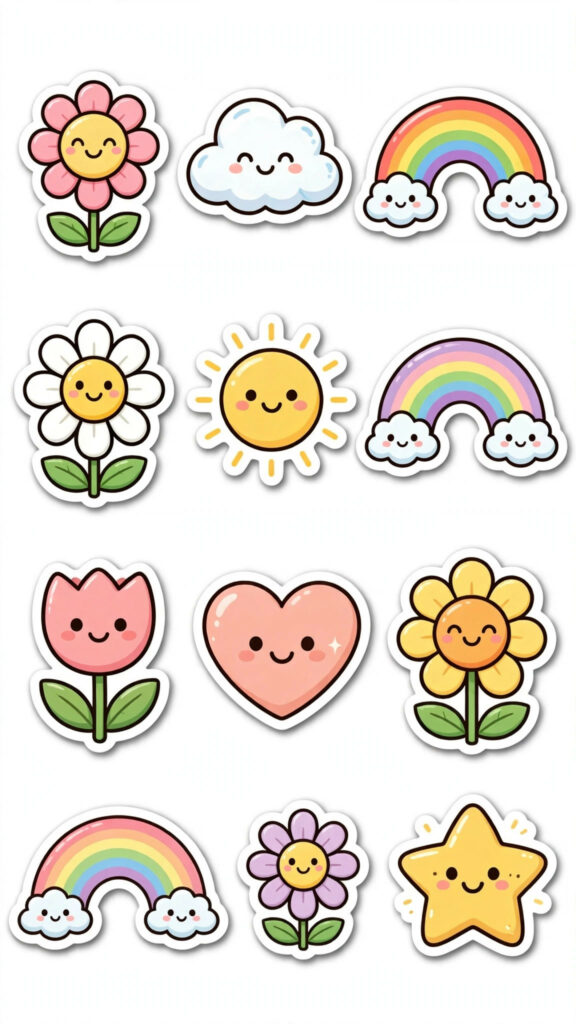
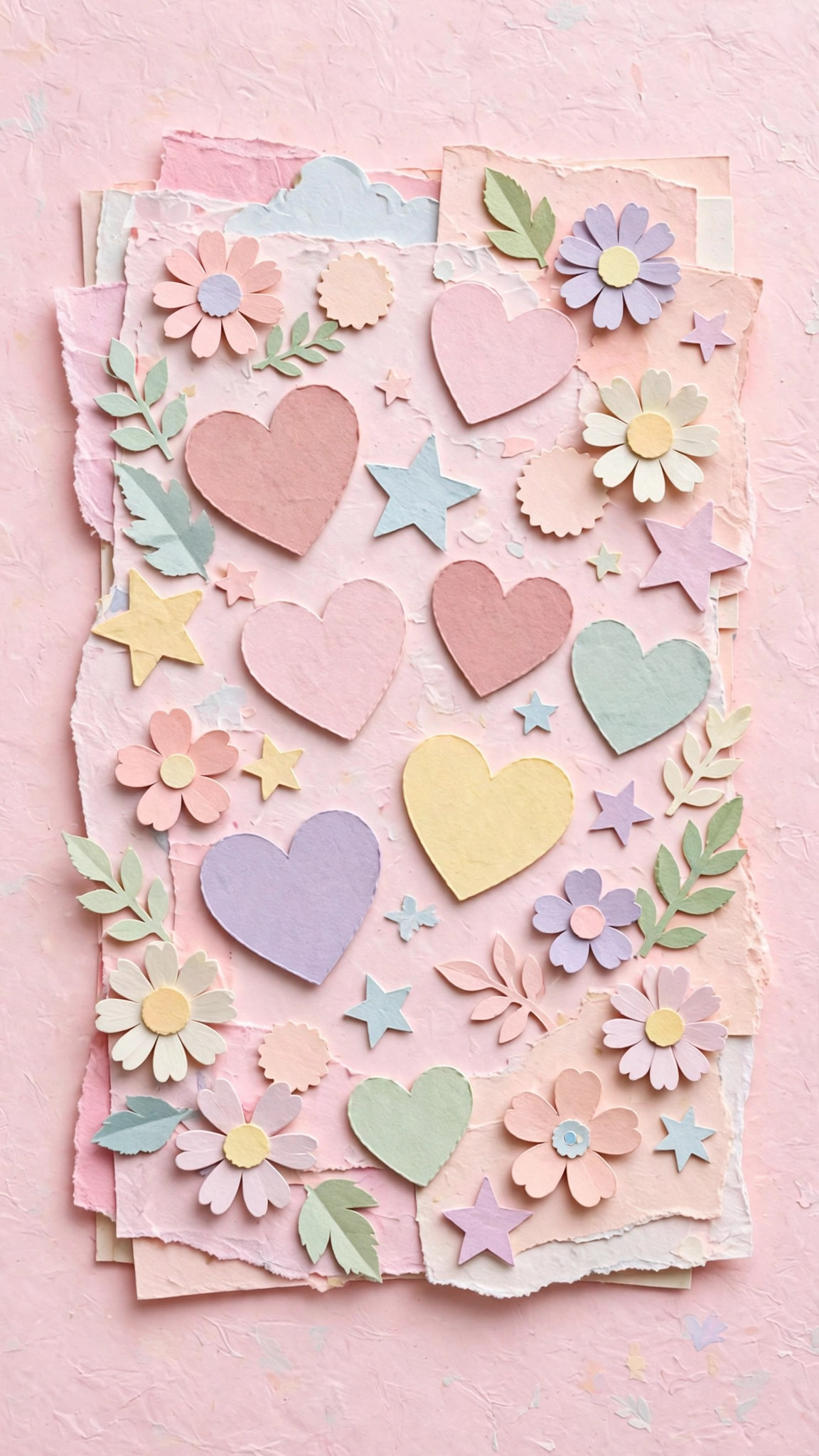
This is where the personality comes in. Layer on a few cute stickers, draw tiny doodles with the brush tool, or add one short quote in a pretty font. A few tips that make a big difference:
- Keep important details away from the top and bottom edges, where the clock and icons sit
- Stick to two or three colors so the design feels calm, not chaotic
- Leave some empty space — your app icons need room to breathe
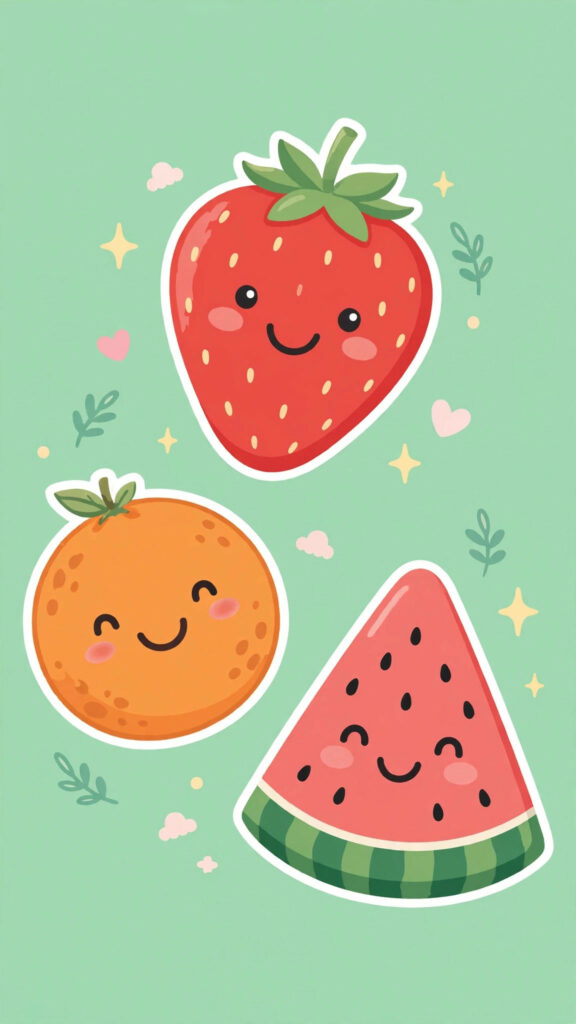
Try making two or three versions with small changes. You’ll be surprised how different a wallpaper feels with just a new color or one extra sticker.
Export and set it
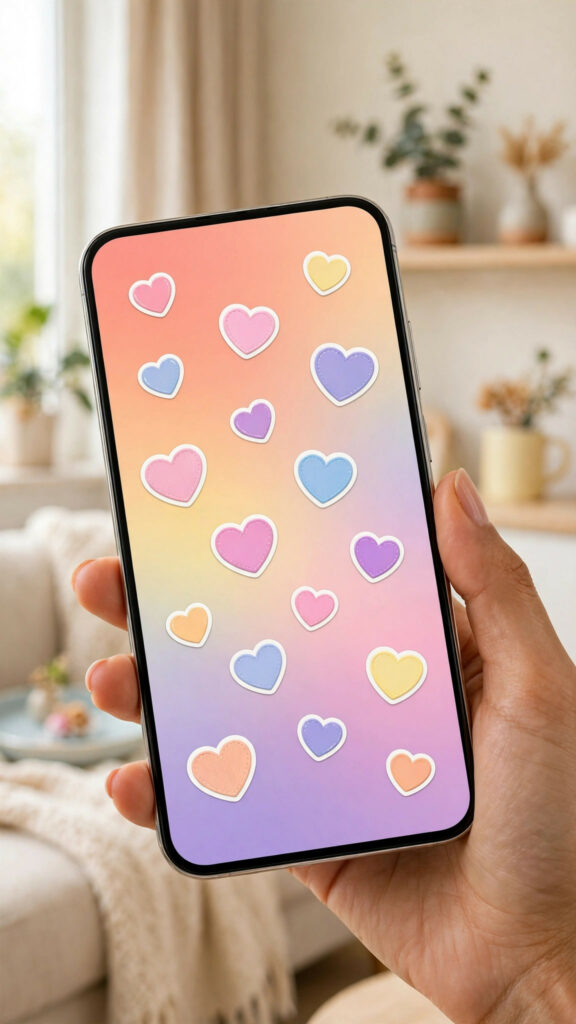
When you’re happy, export the design as a JPG or PNG at full quality. On iPhone, save it to Photos, then set it from Settings > Wallpaper. On Android, open it in your gallery app and choose “Set as wallpaper.” Check both your lock screen and home screen — you might want a calmer version for the home screen where your icons live.
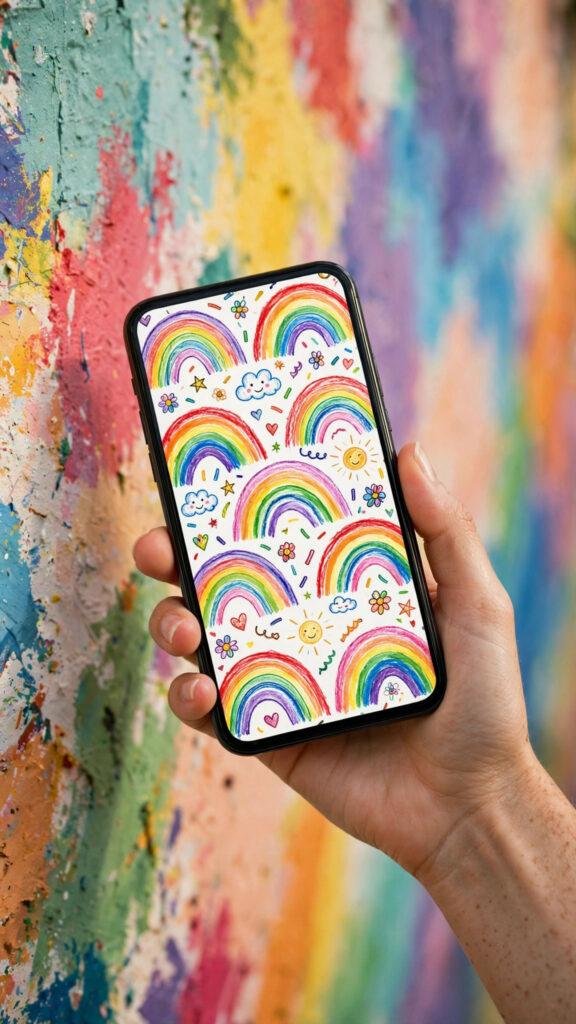
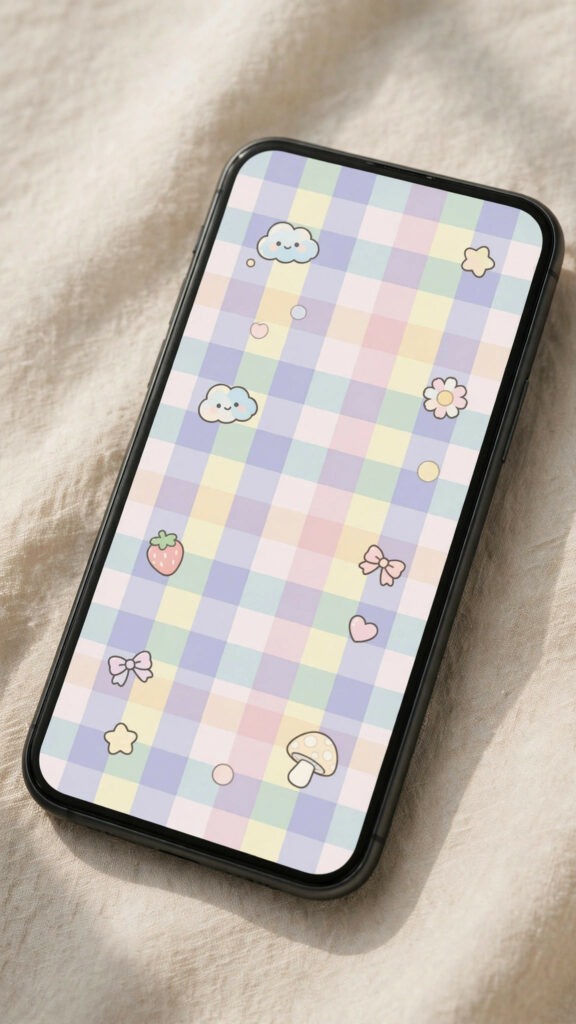
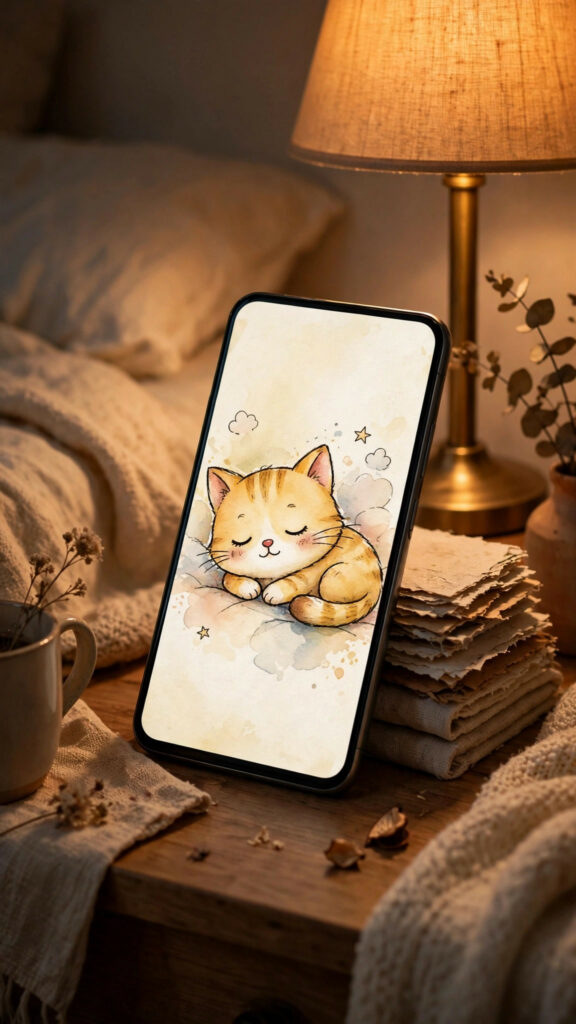
Download these wallpapers
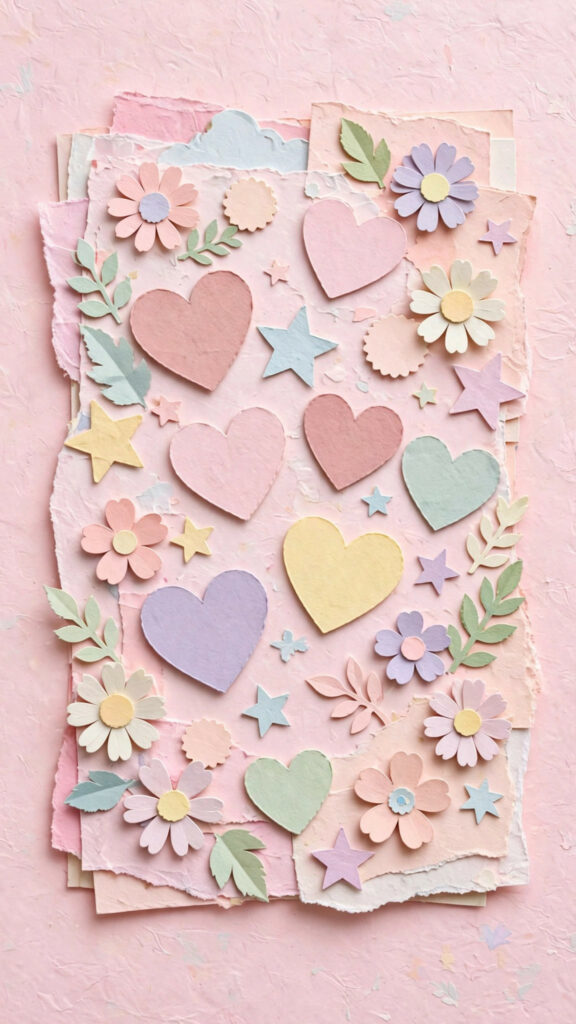
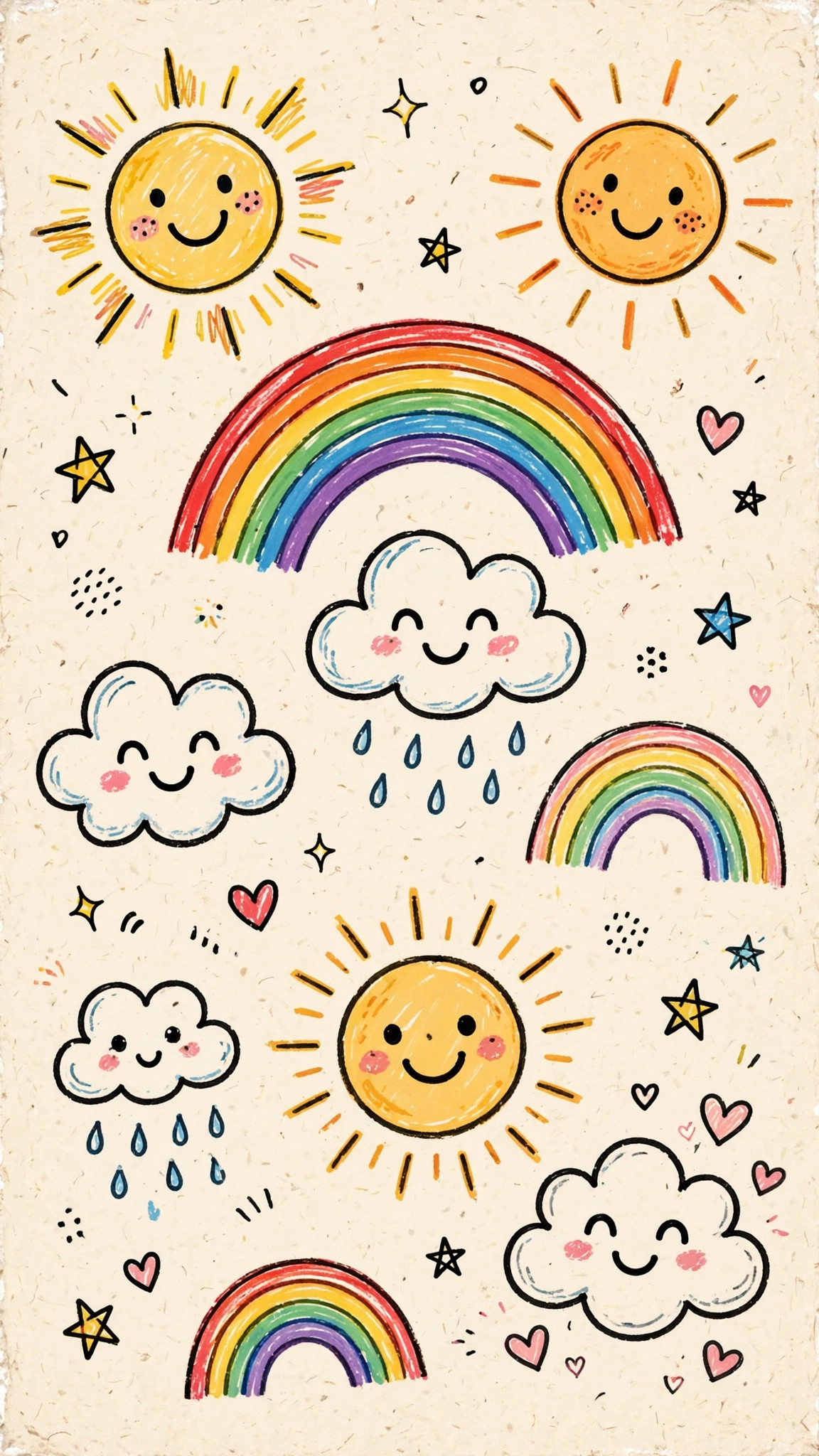
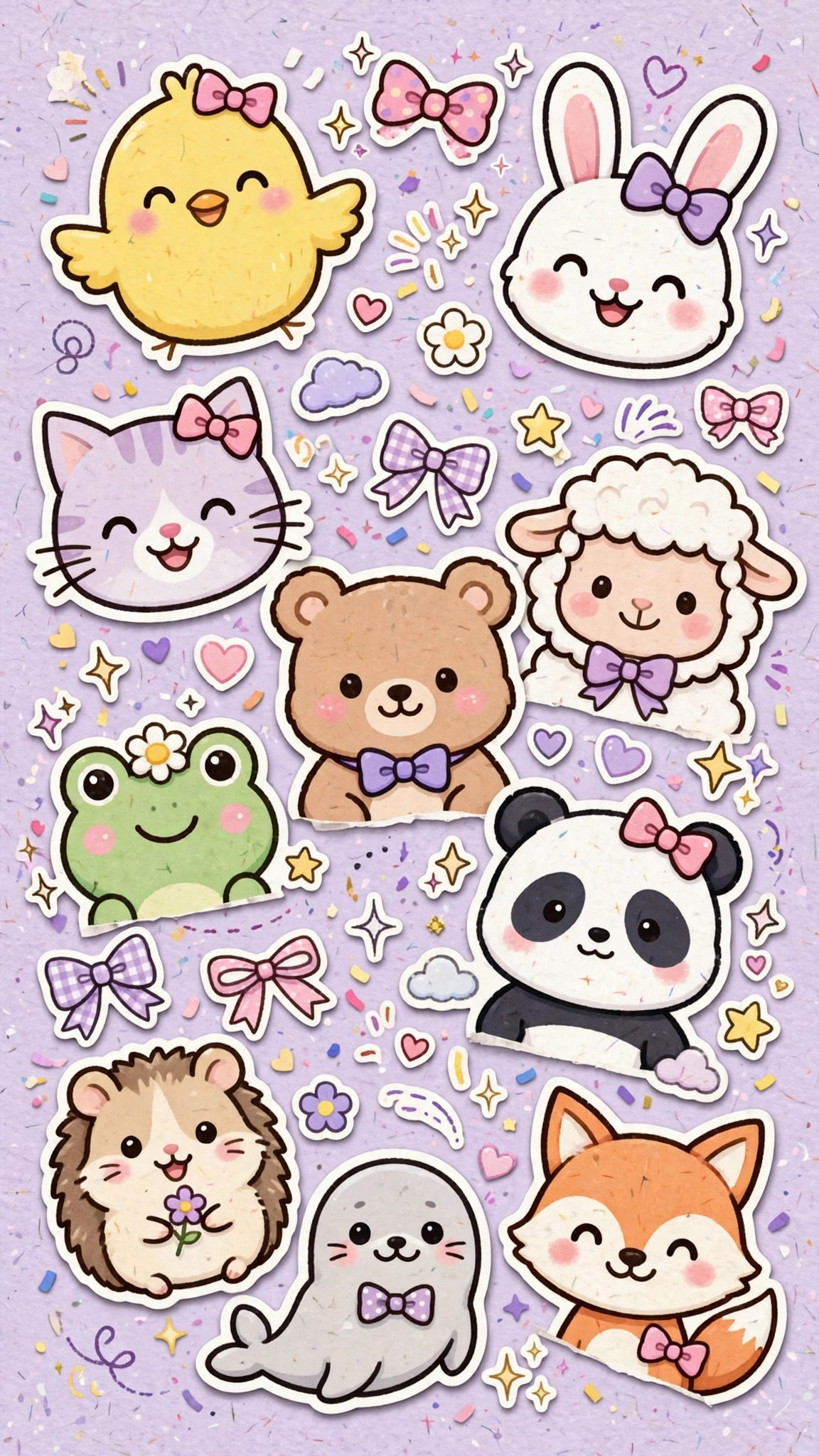
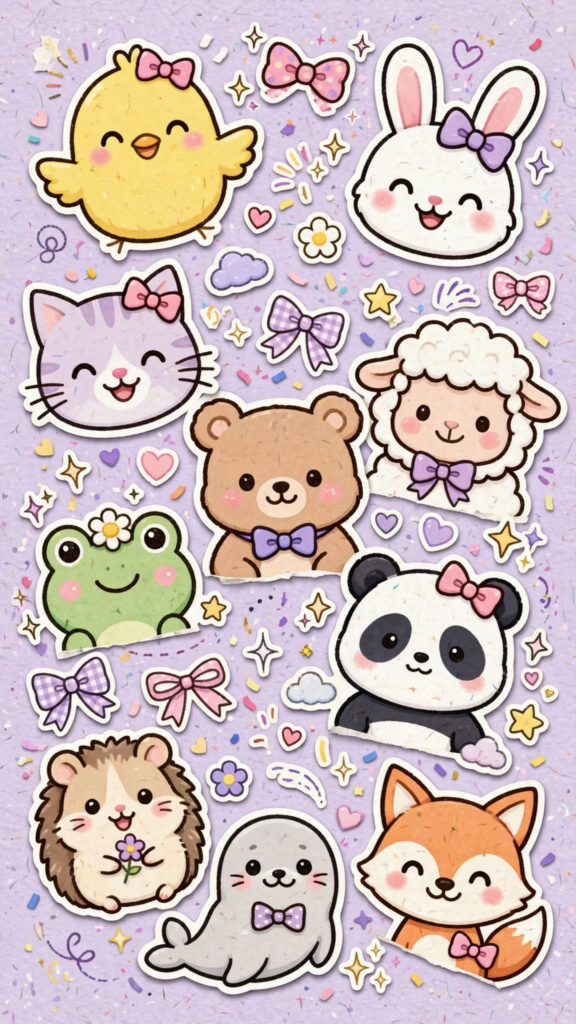
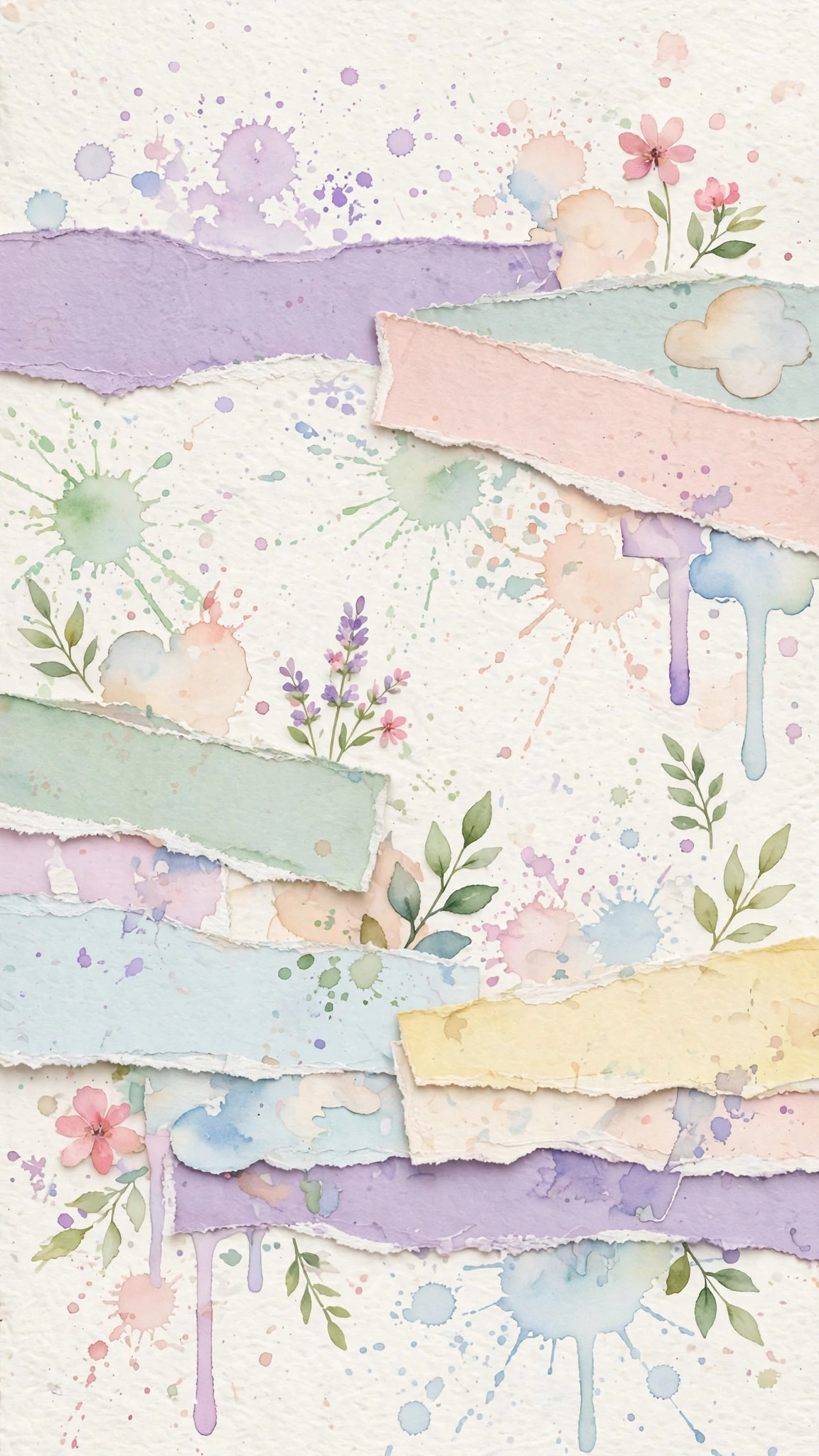
Making your own wallpaper is one of those small creative habits that pays off every single time you pick up your phone. Start with something simple today, and don’t be afraid to remake it next week. Your style will grow with every design, and your phone will always feel fresh, personal, and 100 percent yours.